Brand Guidelines

Logos
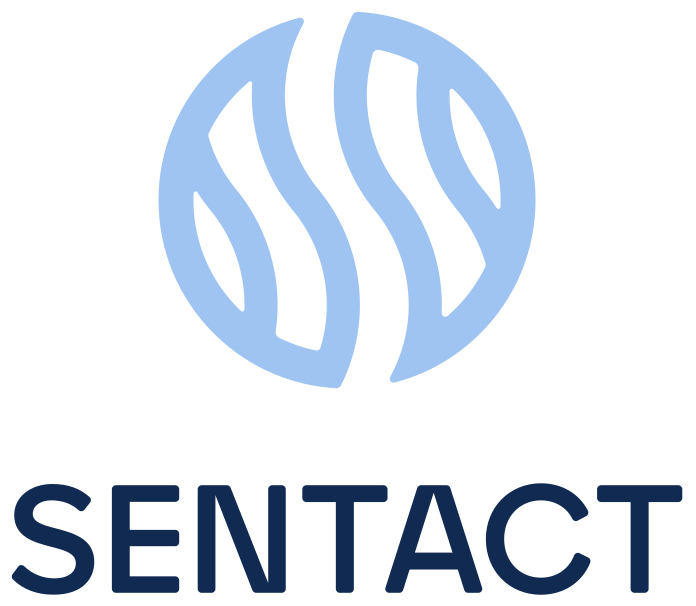
The horizontal lock-up is our primary mark. Use the stacked lock-up where width is constrained, and the monogram alone only once the brand is established in context. Hover any logo and click the download icon for SVG, PNG, or JPEG.



Placement
Give the logo room to breathe and pick the version with the most contrast against its background. When in doubt, place the full-color logo on white or a light neutral.

Clear Space
Keep a minimum clear space around the logo equal to the height of the monogram (X). Nothing — type, imagery, or edges — should intrude on this zone.
X = the height of the interwoven monogram. Scale the clear space proportionally with the logo.
Minimum Scale
Below these sizes the monogram loses legibility. Never reproduce the logo smaller than the minimums below.

Logo Misuse
The logo is fixed artwork. Don't redraw, recolor, or reproportion it. A few of the most common mistakes:
Colors
Deep Navy anchors the system, warm CTA Orange drives action, and the blues carry the brand.
Reserved for social media applications only — not for product interfaces, documentation, or marketing materials.
Tag colors for color-coding administrative and training calendar events only, for now. The resource blog and other Solutions are intentionally not color-coded at this time. Each tag pairs a soft tint with the full value as text. Click any value to copy.
Note: these are the original tag colors presented, muted down to drop the “too pastel” appearance. Accessibility (WCAG AA) compliance is still TBD on these colors.
Typography
Plus Jakarta Sans is our single typeface across web, product, and print. Headings use SemiBold (600); body copy is Medium (500) with Bold (700) for inline emphasis — never Regular, never ExtraBold.
Consectetur adipiscing elit, sed do eiusmod tempor incididunt ut labore et dolore magna aliqua. Use bold inline for emphasis, exactly as you would in a document. A paragraph link sits inline in CTA Orange.
Integer enim neque volutpat ac tincidunt vitae semper. Dictum sit amet justo donec enim diam vulputate ut, ut tellus elementum sagittis vitae et leo.
Iconography— In Process / Placeholder
Icons use square corners (miter joins, never rounded), one consistent line family, and a single stroke weight on a 24px grid. Use them only when they genuinely help the reader understand the content.
- Square corners, miter joins, one stroke weight.
- One family — all icons look made by the same tool.
- Use an icon only when it adds real meaning.
- Mix rounded and square, or different stroke weights.
- Decorate. If 8 icons could be swapped without changing meaning, remove them.
- Use detailed or trendy icons that date quickly.
Messaging & Voice— In Process / Placeholder
We write for busy healthcare leaders. Our voice is clear, confident, and human — we explain complex work simply and never hide behind jargon.
- Use the Oxford comma: safety, quality, and compliance.
- Em dashes set off asides — like this — with no spaces.
- One space after periods. No exclamation points in product UI.
- Spell out "and" in body copy; reserve "&" for labels and lock-ups.
- Numerals for 10+ and all data; spell out one through nine.
- Sentence case for headings, buttons, and UI labels.
- Title Case only for proper product and module names.
- Always "Sentact" — never SENTACT or sentact in body copy.
- Capitalize defined roles and products; lowercase generic terms (e.g. "credentialing", "rounding").
- Acronyms (CVO, MSP, PSO) in all caps; expand on first use.
Photography— In Process / Placeholder
Imagery should feel like real, modern healthcare workplaces: polished, professional, and diverse. Favor real clinical and hospital settings and confident care teams — never casual work-from-home scenes.








Choose clean, modern hospital and clinical environments with a professional tone. Feature people of all genders and skin tones who appear polished, confident, and approachable. Favor natural light, real moments of collaboration, and uncluttered frames. Keep color grading neutral-to-warm so imagery sits comfortably beside Deep Navy and CTA Orange.
Design Tools
Source files live in Figma. Always start from these rather than rebuilding from scratch.
Account Owners— In Process / Placeholder
The single source of truth for who owns each external platform. When ownership changes, update this table first.